Get shippers' published sales and logistics contacts in one run
Brokers build shipper lists from directories, trade shows and load boards, then spend hours finding who to call. Hollerdex reads each shipper's own website and returns its published email, main phone in E.164 format and contact form, so the list is ready to dial.
How logistics brokers teams use Hollerdex
- Collect shipper and manufacturer domains from your directory or CRM export.
- Run Hollerdex on Apify with the list.
- Sort by label: sales and general emails first; use the phone for a first call.
- Load the CSV into your CRM; schedule monitor mode monthly to catch changed contacts.
Phones come back in E.164 format (+1...), so they import cleanly into dialers.
Only company-published contacts are returned; follow anti-spam rules when you reach out.
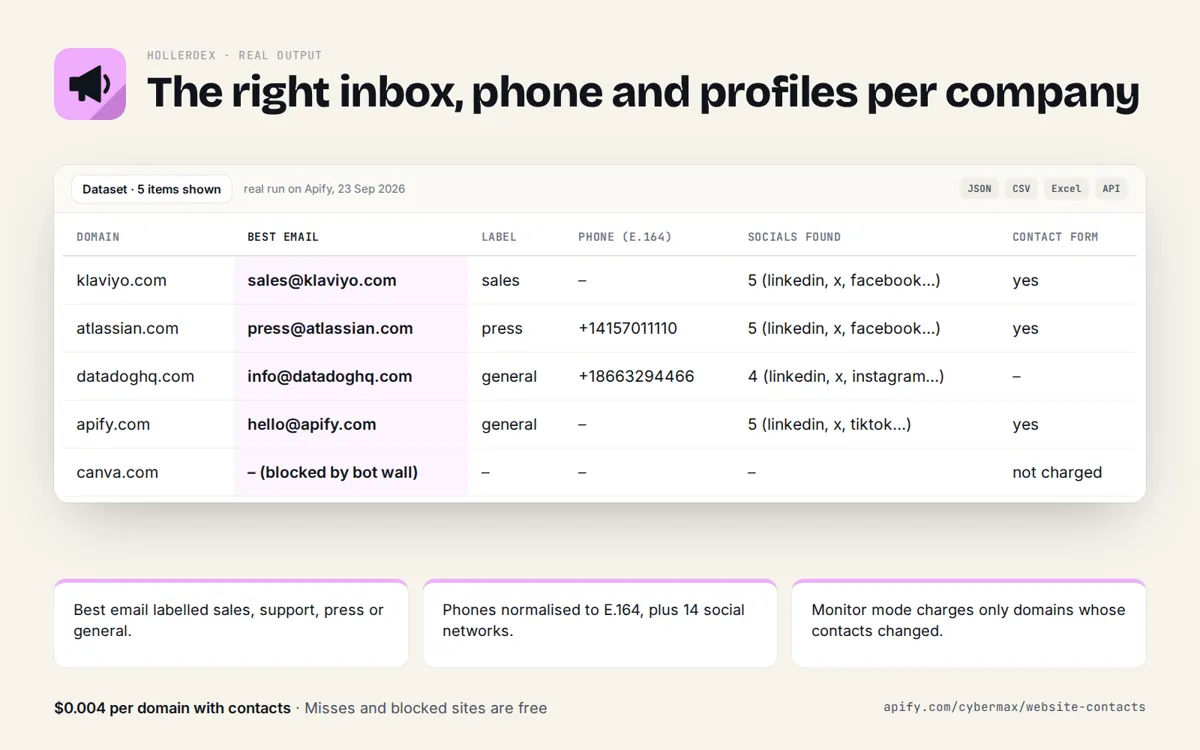
Real run on Apify, 23 Sep 2026
| Domain | Best email | Label | Phone (E.164) | Socials found | Contact form |
|---|---|---|---|---|---|
| klaviyo.com | sales@klaviyo.com | sales | – | 5 (linkedin, x, facebook…) | yes |
| atlassian.com | press@atlassian.com | press | +14157011110 | 5 (linkedin, x, facebook…) | yes |
| datadoghq.com | info@datadoghq.com | general | +18663294466 | 4 (linkedin, x, instagram…) | – |
| apify.com | hello@apify.com | general | – | 5 (linkedin, x, tiktok…) | yes |
| canva.com | – (blocked by bot wall) | – | – | – | not charged |
Source: products/website-contacts/store/listing.json (real run of Hollerdex on Apify, 23 Sep 2026).
FAQ
Will it find the shipping manager by name?
No. It returns what the company publishes on its site, usually role addresses and main lines.
What does a list of 1,000 shippers cost?
At most $4; domains with no contacts are free.
Hollerdex: full guide with prices and alternatives · All use cases · Store