Add a contact route to every account on your lead list
Account lists often arrive as domains only. Hollerdex adds a contact route for each account: the best published email with its label, phones, social profiles and the contact form, so SDRs can start outreach or a LinkedIn touch the same day.
How B2B sales teams use Hollerdex
- Export account domains from your CRM or prospecting tool.
- Run Hollerdex on Apify; download the CSV.
- Map best email, phone and LinkedIn URL to your CRM fields.
- Re-run in monitor mode monthly to update only the accounts that changed.
Labels help routing: sales@ goes to SDRs, press@ to PR, support@ stays out of outbound.
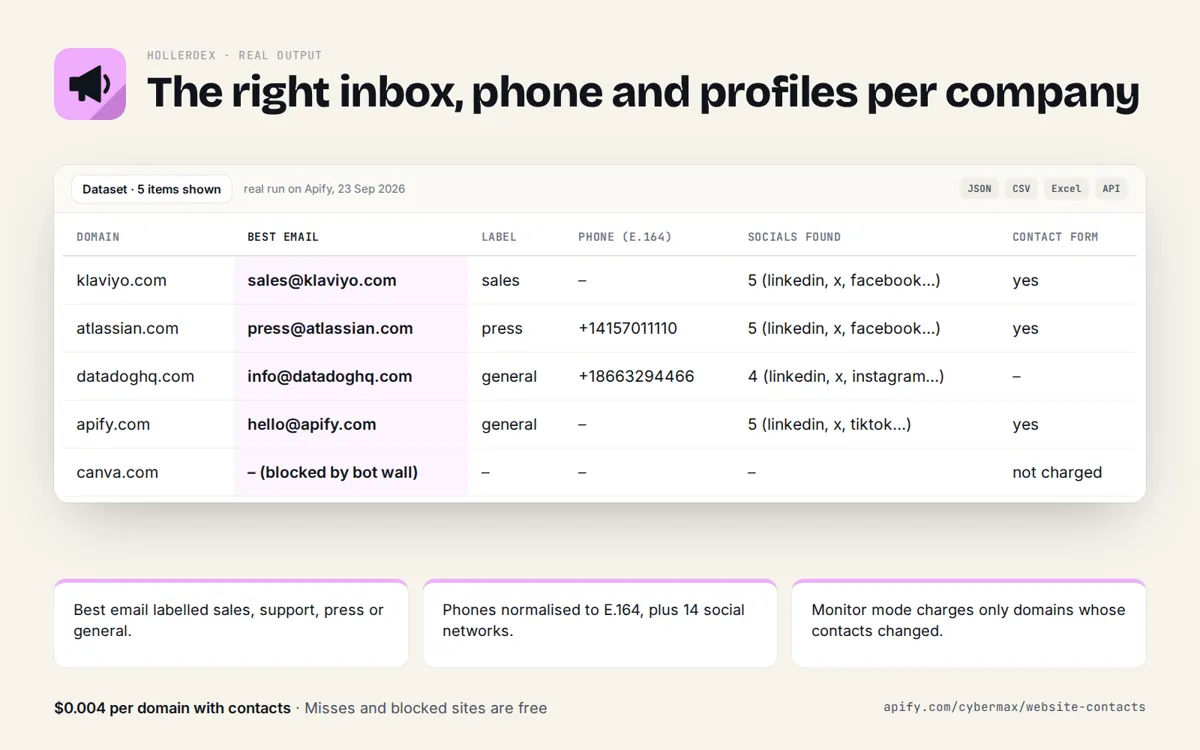
Real run on Apify, 23 Sep 2026
| Domain | Best email | Label | Phone (E.164) | Socials found | Contact form |
|---|---|---|---|---|---|
| klaviyo.com | sales@klaviyo.com | sales | – | 5 (linkedin, x, facebook…) | yes |
| atlassian.com | press@atlassian.com | press | +14157011110 | 5 (linkedin, x, facebook…) | yes |
| datadoghq.com | info@datadoghq.com | general | +18663294466 | 4 (linkedin, x, instagram…) | – |
| apify.com | hello@apify.com | general | – | 5 (linkedin, x, tiktok…) | yes |
| canva.com | – (blocked by bot wall) | – | – | – | not charged |
Source: products/website-contacts/store/listing.json (real run of Hollerdex on Apify, 23 Sep 2026).
FAQ
Does it verify emails?
It returns addresses published on the company's own pages, with the page they were found on. It does not send test emails.
Why not buy a contact database?
Databases cost a monthly fee and can be stale. Hollerdex reads the live site per account, and you pay only when it finds contacts.
Hollerdex: full guide with prices and alternatives · All use cases · Store