Film looks for Resolve, Premiere, Final Cut and CapCut
A consistent look across a video or channel takes seconds with a LUT applied on top of your normal correction.
How media teams use Tintmoor
- Correct exposure and white balance first (or convert log footage to Rec.709).
- Resolve: copy cube/ into the LUT folder, Update Lists, then right-click a node, LUT, Tintmoor.
- Premiere: Lumetri Color, Creative, Look, Browse, pick a .cube.
- Start at 100% and lower intensity to taste; most looks work at 50-80%.
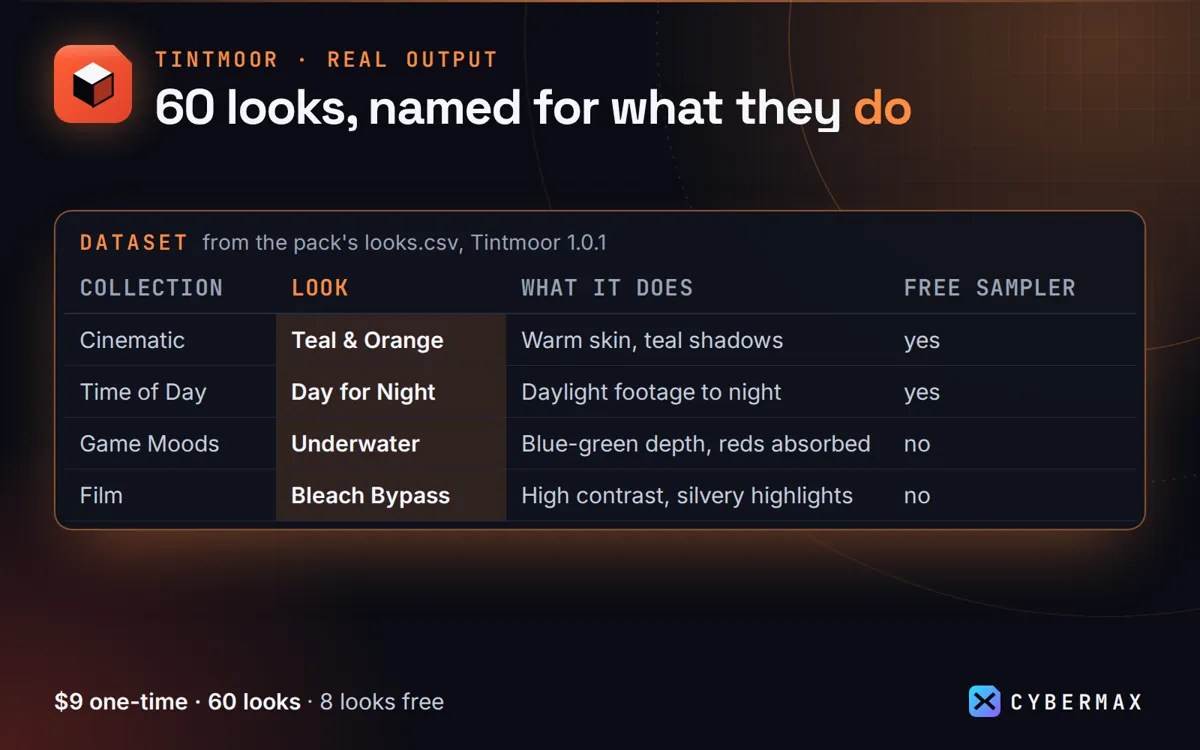
Formats included for every Tintmoor look
| Folder | Format | For |
|---|---|---|
| cube/<Collection>/ | 33-point .cube | Resolve, Premiere, Final Cut, After Effects, Photoshop, Affinity, OBS, CapCut |
| unity/ | 1024x32 PNG strip | Unity URP/HDRP Color Lookup, Post Processing v2 |
| godot/ | 1024x32 PNG strip | Godot 4 Environment Color Correction (Texture3D) |
| unreal/ | 256x16 PNG strip | Unreal Post Process Volume Color Grading LUT |
| hald/ | HaldCLUT level 8 (512x512) | GIMP/G'MIC, darktable, RawTherapee, ImageMagick |
Source: Tintmoor README (formats per look) and pack README, 60 looks in 6 collections.
FAQ
Can I use them for client work?
Yes, the licence covers client work; the graded output is yours.
Do they work on log footage?
Apply them after converting to Rec.709; they expect display-referred input.
Tintmoor: full guide with prices and alternatives · All use cases · Store