Colour-grade a game in Unity, Godot 4 or Unreal with ready LUT strips
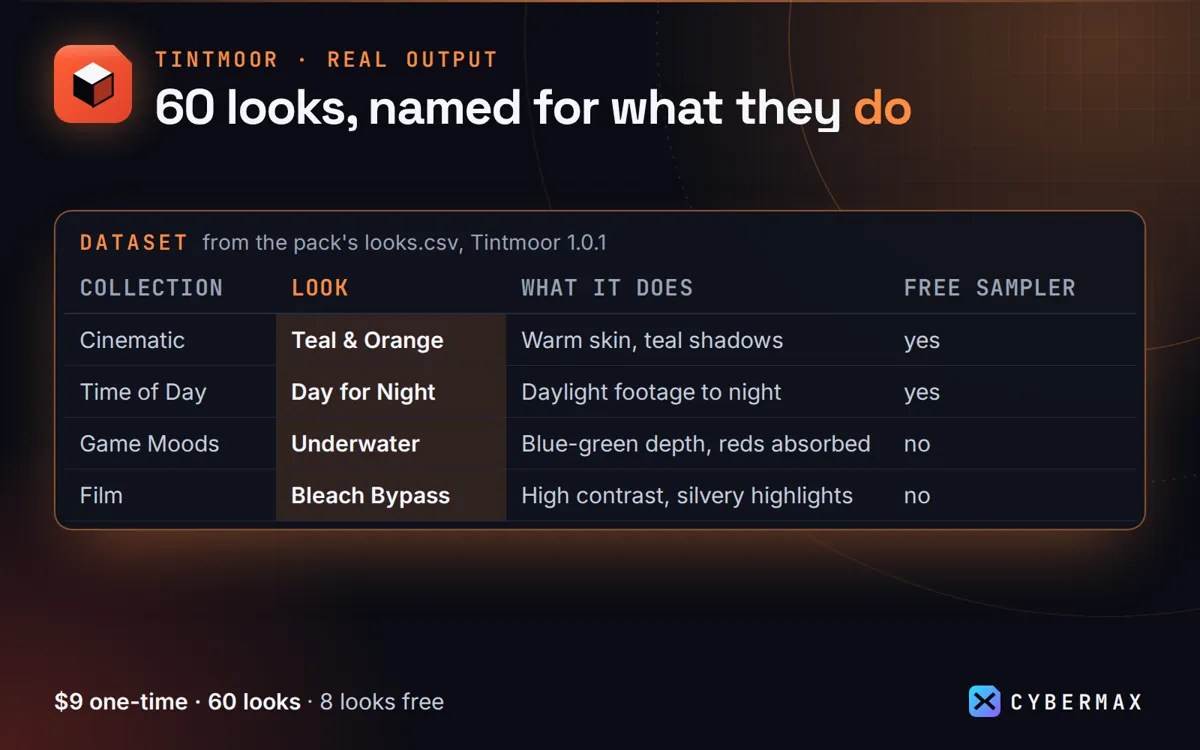
Colour grading is one of the cheapest ways to give a game a mood. Tintmoor includes a Game Moods collection and strips for every major engine.
How games teams use Tintmoor
- Unity: import a unity/*.png (sRGB off, no mipmaps), add a Volume, Color Lookup, set Contribution.
- Godot 4: import a godot/*.png as Texture3D (32 x 1 slices) and set it as Environment Color Correction.
- Unreal: import an unreal/*.png with Texture Group ColorLookupTable, then set it in a Post Process Volume.
Formats included for every Tintmoor look
| Folder | Format | For |
|---|---|---|
| cube/<Collection>/ | 33-point .cube | Resolve, Premiere, Final Cut, After Effects, Photoshop, Affinity, OBS, CapCut |
| unity/ | 1024x32 PNG strip | Unity URP/HDRP Color Lookup, Post Processing v2 |
| godot/ | 1024x32 PNG strip | Godot 4 Environment Color Correction (Texture3D) |
| unreal/ | 256x16 PNG strip | Unreal Post Process Volume Color Grading LUT |
| hald/ | HaldCLUT level 8 (512x512) | GIMP/G'MIC, darktable, RawTherapee, ImageMagick |
Source: Tintmoor README (formats per look) and pack README, 60 looks in 6 collections.
FAQ
Can I ship the strips in my game?
Yes, inside the compiled build, as long as they are not offered to players as separate LUT files.
Is there a neutral LUT to test my setup?
Yes, the "Neutral-identity" files make no change.
Tintmoor: full guide with prices and alternatives · All use cases · Store