Score a whole retro game with one chiptune pack
A consistent soundtrack makes a small game feel finished. Blipwren Music gives every scene a loop in the same style.
How games teams use Blipwren Music
- List your scenes: title, map, town, dungeon, boss, game over.
- Pick a loop per scene in the browser player.
- Use the calm layer for pause menus and dialogue.
- Play the matching stinger on start, win and lose.
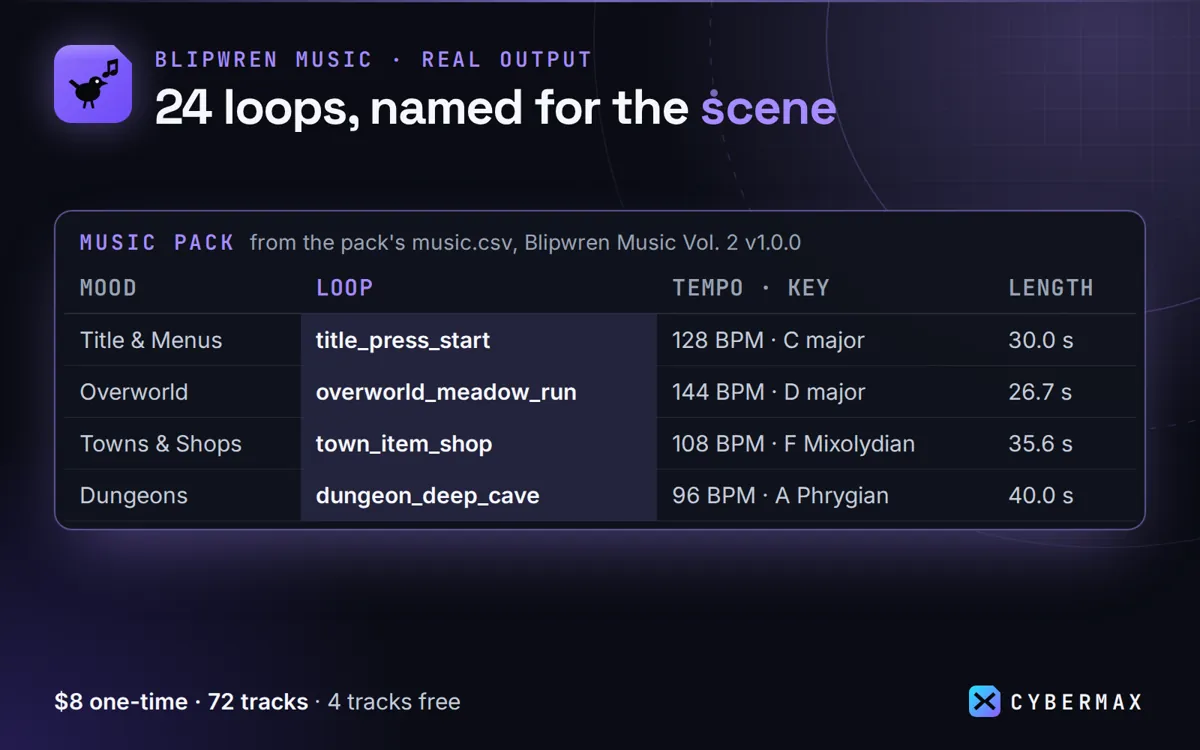
Inside Blipwren Music Vol. 2 1.0.0 (music.csv and the download)
| Mood | Loop | Tempo, key | Length |
|---|---|---|---|
| Title & Menus | title_press_start | 128 BPM, C major | 30.0 s |
| Overworld | overworld_meadow_run | 144 BPM, D major | 26.7 s |
| Towns & Shops | town_item_shop | 108 BPM, F Mixolydian | 35.6 s |
| Dungeons | dungeon_deep_cave | 96 BPM, A Phrygian | 40.0 s |
| Boss & Action | boss_final_guardian | 160 BPM, A harmonic minor | 24.0 s |
| Whole download | 72 tracks | WAV + OGG, Godot + Unity folders | 132.6 MB zip |
Source: Rows from music.csv in the Blipwren Music Vol. 2 1.0.0 download (72 rows); zip size measured 10 Oct 2026.
FAQ
Can I loop them forever?
Yes: each loop is cut to an exact bar count and loops without a seam.
Can I edit or cut the tracks?
Yes, the licence allows edited, looped or cut use inside your projects.
Blipwren Music: full guide with prices and alternatives · All use cases · Store