A whole retro sound set for your game in minutes
In a jam or a solo project, sound is often last and rushed. Blipwren covers every common game event with one consistent style.
How games teams use Blipwren
- Play the sounds in the browser and note the names you want.
- Copy the Godot or Unity folder into your project.
- Call the helper with a sound name on each event (coin, jump, hit, game over).
- Use pitch variation on repeated sounds so they don't tire the ear.
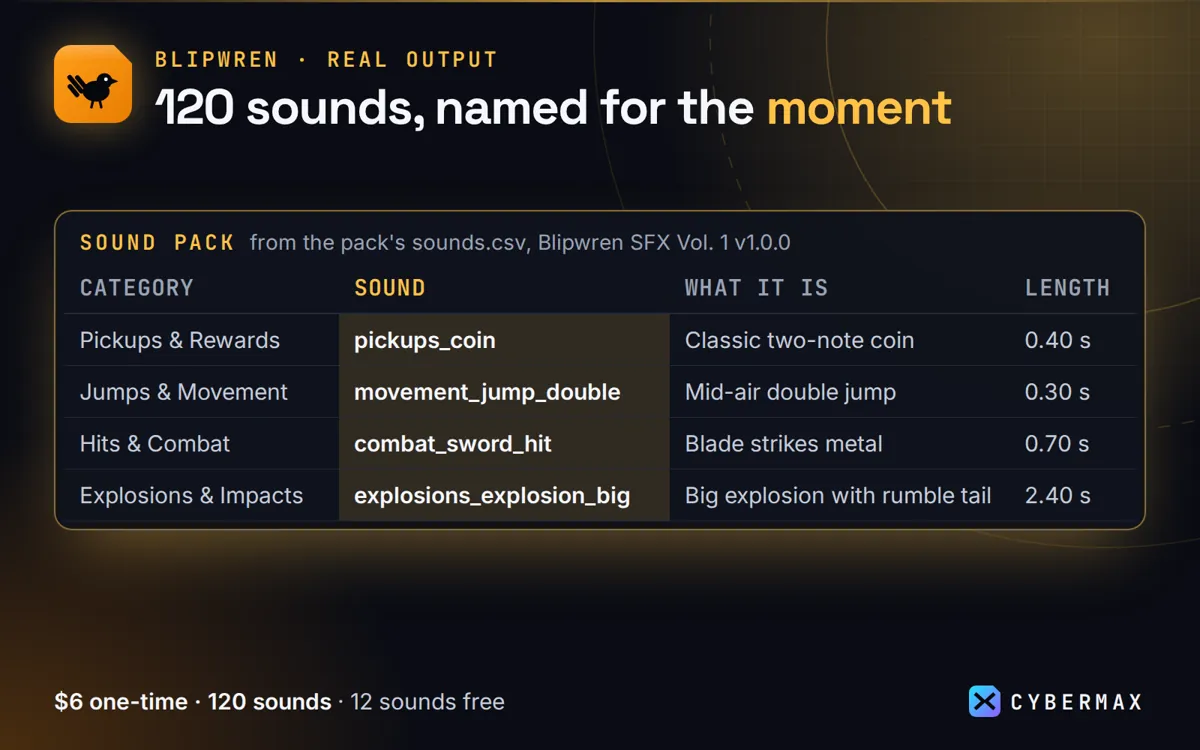
Inside Blipwren SFX Vol. 1 1.0.0 (sounds.csv and the download)
| Category | Sound | What it is | Length |
|---|---|---|---|
| Pickups & Rewards | pickups_coin | Classic two-note coin | 0.40 s |
| Jumps & Movement | movement_jump_double | Mid-air double jump | 0.30 s |
| Hits & Combat | combat_sword_hit | Blade strikes metal | 0.70 s |
| Explosions & Impacts | explosions_explosion_big | Big explosion with rumble tail | 2.40 s |
| Lasers & Sci-Fi | scifi_charge_up | Weapon charging up | 1.20 s |
| Whole download | 120 sounds | WAV + OGG, Godot + Unity folders | 14.8 MB zip |
Source: Rows from sounds.csv in the Blipwren SFX Vol. 1 1.0.0 download (120 rows); zip size measured 10 Oct 2026.
FAQ
Can I ship them in a paid game on Steam?
Yes, inside the game build, with no attribution required.
WAV or OGG?
Both are included: OGG for small web and mobile builds, WAV for editing.
Blipwren: full guide with prices and alternatives · All use cases · Store