One scheduled run that tells you which client domains changed
Managed IT providers look after dozens of client domains. DomainDNA's monitor mode re-checks the list on a schedule and returns only domains whose stack, mail provider, DMARC, certificate or headers changed, so you see a certificate about to lapse or a client moving mail provider without checking each one.
How managed IT services teams use DomainDNA
- Put every client domain in one DomainDNA input list.
- Run once for a baseline CSV: mail provider, SPF, DMARC, TLS expiry, headers.
- Turn on monitor mode and schedule it daily or weekly on Apify.
- Act on the changed rows: renew certificates, fix DMARC, ask about a new mail provider.
Monitor mode returns and charges only domains that changed, so a quiet week costs almost nothing.
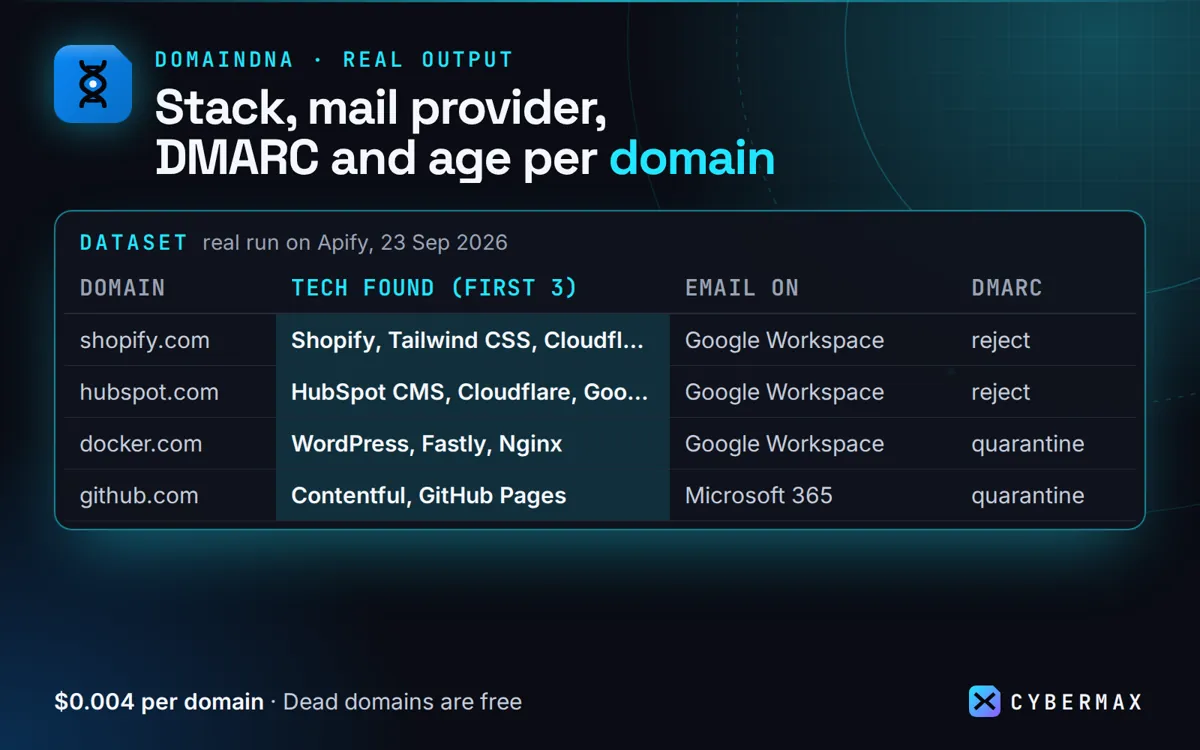
Real run on Apify, 23 Sep 2026
| Domain | Tech found (first 3) | Email on | DMARC | Domain age |
|---|---|---|---|---|
| shopify.com | Shopify, Tailwind CSS, Cloudflare | Google Workspace | reject | 21 years |
| hubspot.com | HubSpot CMS, Cloudflare, Google Tag Manager | Google Workspace | reject | 21 years |
| docker.com | WordPress, Fastly, Nginx | Google Workspace | quarantine | 31 years |
| github.com | Contentful, GitHub Pages | Microsoft 365 | quarantine | 18 years |
| mailchimp.com | Akamai, FullStory, OneTrust | Cisco Secure Email | reject | 25 years |
Source: products/domain-intel/store/listing.json (real run of the DomainDNA tool on Apify, 23 Sep 2026).
FAQ
Can it email me the changes?
Pair it with an email step such as Letterkeel on Apify, which sends a run's new rows as a digest.
Why not a monitoring suite?
Suites do far more, on a monthly contract. DomainDNA is a cheap outside-in check per domain.
DomainDNA: full guide with prices and alternatives · All use cases · Store